 Zon

Bring your Square catalogue into Shopify, or send Shopify products to your register. One product at a time, or all of them at once.
Bulk import and export, variants and scheduled runs.
Sell it at your counter and it’s off your website in seconds.
Square knows what sold at the counter. Shopify knows what sold online. Until now, the only thing connecting them was you.


Nothing changes at your counter. Your team rings up sales on Square the way they always have, and Zon passes each one to Shopify in the background.
Sell one at the till and your online store shows one fewer within seconds.
Every Square order shows up in Shopify, ready to fulfil and report on.
Someone who buys at the counter is added to your Shopify customers.
No new hardware. Zon connects to the Square account you already use.
Zon sits between your Square register and your Shopify store. When something changes on one side, it makes the same change on the other, matched by SKU.


Linen tote on the shelf
Left in store 3The same tote, listed online
Shown online 3
Every plan starts with a 7-day free trial. Add it to your store from the listing, no developer needed.
Link Square inside the app so Zon can see your catalogue and locations.
Import, export or both. Products that share a SKU are matched for you.
Six jobs you used to do by hand. Zon does them in the background while you look after customers.
Bring your Square catalogue into Shopify, or send Shopify products to your register. One product at a time, or all of them at once.
Bulk import and export, variants and scheduled runs.
Zon matches products by their shared SKU and updates stock on both sides whenever something sells or gets restocked.
Two-way sync, low-stock alerts and stock per location.
Sales rung up on Square flow into Shopify, so fulfilment, reports and your accountant all work from one order list.
Sync instantly or after a one-hour hold. On Premium and Enterprise.
Someone who buys at your counter shows up in Shopify too, so your customer list sees the whole person, not half of them.
Real-time customer sync, no double entry. On Premium and Enterprise.
Square gift cards stay in sync from the day they’re sold to the day they’re spent, so the balance is right wherever it’s used.
The full lifecycle, on the Enterprise plan.
Two shops and a stock room? Each location keeps its own stock, and you run all of it from one place.
Multi-location support.
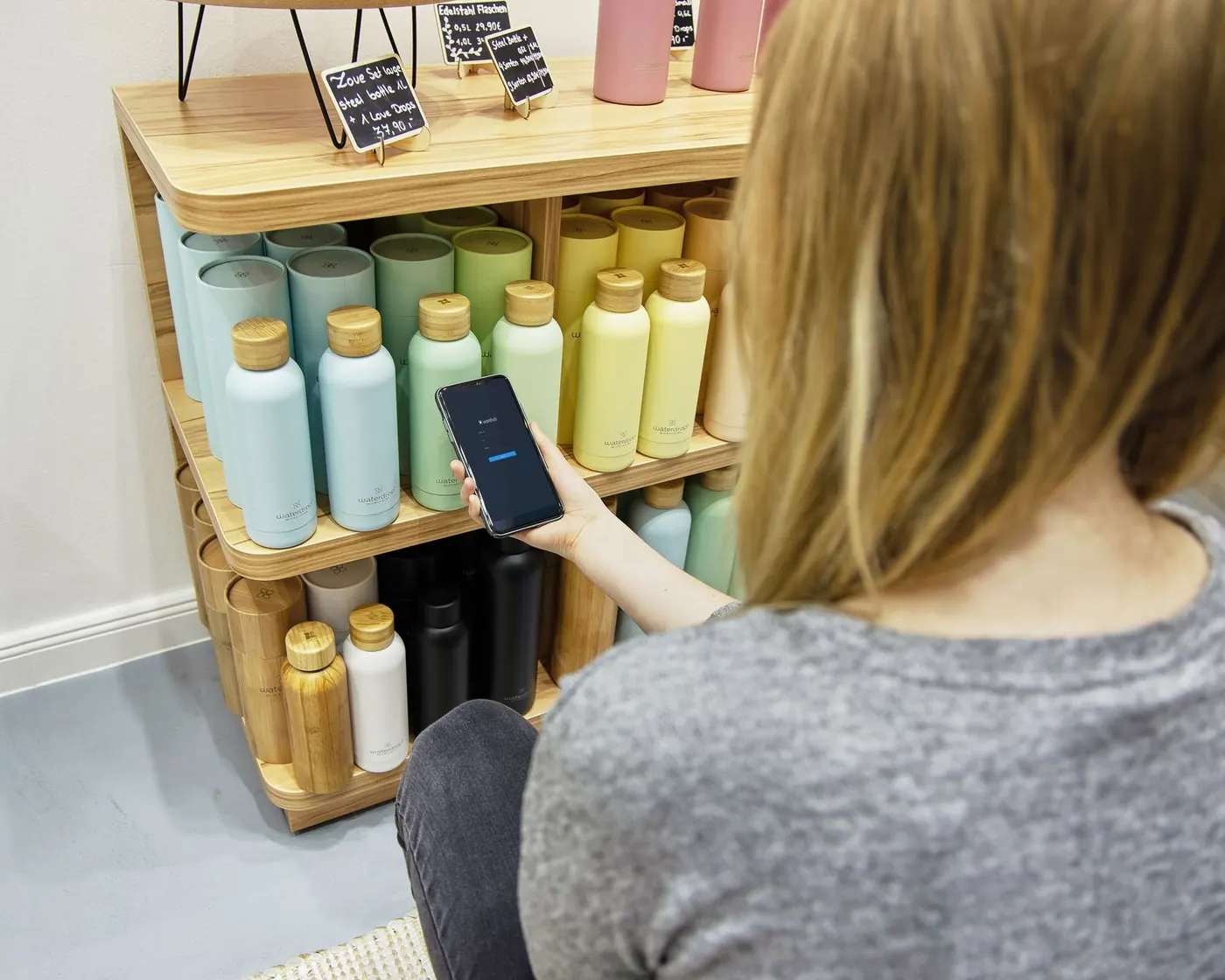


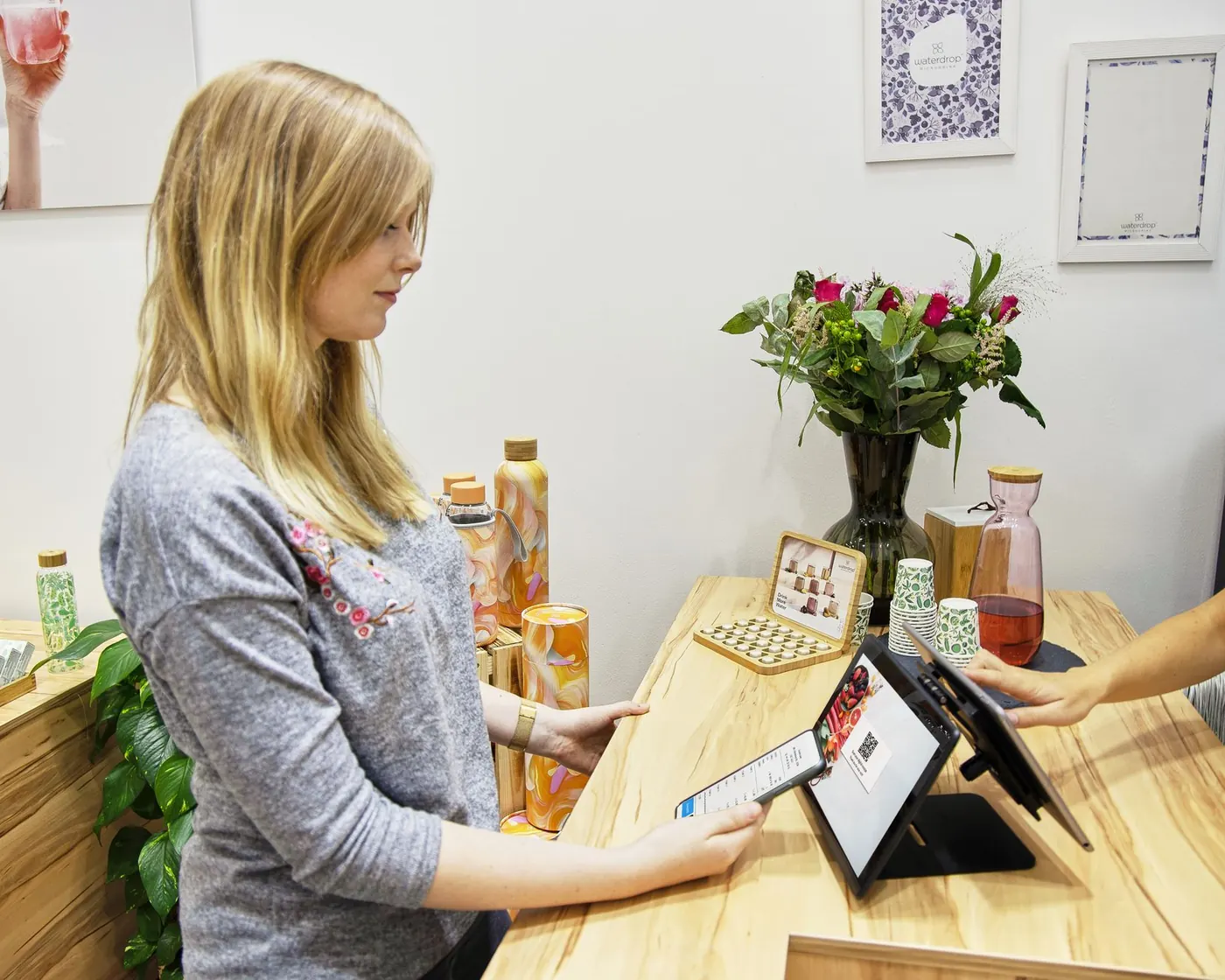


Follow a single product from the counter to the website and back. This is what Zon does while you get on with your day.
She taps her card on Square. Before she’s out the door, your website shows one fewer, so nobody online buys a tote you no longer have.
Shopify takes the order while you sleep. Zon lowers the count on your register, so tomorrow nobody sells a tote that’s already spoken for.
The counter sale and the online order are both in Shopify, ready to pack and easy to report on.
Square and Shopify already agree. No spreadsheet, no stock-take, no apology email for something you sold twice.
This is a working copy of the Zon screen. Switch between export and import, send one product, or press Sync all.
| Product | Inventory | View on | Action |
|---|
Sensible defaults from day one. Change them whenever your shop needs something different.
Order #4471 reaches Shopify right away.
Rang something up by mistake? Hold Square orders for an hour so you can fix them before Shopify sees them.
The same switches you’ll find in the app, for listings, pricing and inventory.
Import or export in bulk, or put it on a schedule so new products show up on both sides without you.
Low-stock alerts, clear error reports and a log of every change Zon makes.

Sizes and colours stay right on the rail and the site.

Bouquets sold at the counter come off the website straight away.

One-of-a-kind pieces never sell twice.

Shades and refills stay counted in both places.

Every size, every location, one stock count.
If you take payments with Square POS in your shop, sell online with Shopify, and keep the same products in both places, Zon was built for you.
Choose by catalogue size and what you want synced. Every plan starts with a 7-day free trial, and Shopify bills you only after it ends.
For stores just connecting Square POS to Shopify
Start 7-day free trial Free for 7 days, then $29.99/monthFor growing stores selling online and in-store
Start 7-day free trial Free for 7 days, then $49.99/monthEverything in Standard, plus:
For high-volume stores that want everything in sync
Start 7-day free trial Free for 7 days, then $99.99/monthEverything in Premium, plus:
Connect your Square account securely in seconds.
Stock levels stay matched, so you never oversell.
Pair a Shopify location with a Square location.
Sizes and colours come across with each product.
Chat with our team right inside the app.
One bill, no separate card. Cancel anytime.
All prices in USD. Plans renew every 30 days until you cancel. Your usual Square and Shopify fees still apply.
“Really great support, managed to fix a couple of bugs and amend features for me. Very pleased!”
Zon launched in April 2026. If you try it, we’d like to hear how it goes.
Zon connects your Square POS to your Shopify store. Products, inventory, orders, customers and gift cards stay matched between the two, so what you sell at the counter and what you sell online come out of the same stock count.
By SKU. If a product has the same SKU in Square and in Shopify, Zon treats it as one product and keeps its stock in step on both sides. Products that only exist on one side can be imported or exported in the app.
There are three plans: Standard at $29.99, Premium at $49.99 and Enterprise at $99.99 a month. Every plan starts with a 7-day free trial, and Shopify bills you only after it ends. Your normal Square and Shopify fees still apply.
Yes. Switch plans inside the app at any time and Shopify replaces your subscription once you approve the new price. To cancel, uninstall the app and billing stops. Uninstall during the trial and you aren’t charged.
A Shopify store and a Square account you use for in-person sales. Install Zon from the Shopify App Store, connect Square inside the app, and choose what to sync.
Yes, on the Premium and Enterprise plans. Orders from Square POS sync into Shopify so you can fulfil and report on them in one place. You choose whether they arrive instantly, with a one-hour hold, or after waiting an hour.
Yes. Zon supports multiple locations, so stock stays with the shop or stock room it belongs to.
Square gift cards are synced through their whole life, from being sold to being spent, so balances stay correct. Gift card sync is part of the Enterprise plan, with up to 500 gift cards a month.
You’ll see it. Zon keeps error reports and a detailed log of every change, and sends low-stock alerts, so you know what needs attention and why.
Email support@zonstaff.com. Questions go to the team that builds Zon.

Install Zon, connect Square and press Sync. Your counter and your website take it from there.